Tom Scott recently put out a video where he had a “minor existential crisis” after giving ChatGPT a coding task. His conclusion was basically, this works better than it should, and that’s unsettling. After watching this, I had my own minor coding task which I decided to give to ChatGPT, and, spoiler alert, I am also unsettled.
The problem I needed to solve was I have an old Twitter bot which had automatically followed a bunch of people over the years, and I wanted to clear out those follows. As of this writing, Twitter’s API service seems to inexplicably still exist, but the single-purpose OAauth “app” associated with that account was for API v1.1, not v2, so I needed to use API v1.1 calls.
I’d done a lot of Twitter API work over the years, and a lot of that was through Python, so I was ready to kitbash something together using existing code snippets. But let’s see what ChatGPT would do if given the opportunity:
Write a script in Python to use the Twitter API v1.1 to get a list of all friends and then unsubscribe from them
And yeah, it created a correctly-formatted, roughly 25 line Python script to do this exactly. It even gave a warning that API access requires authentication, and, amusingly, that unsubscribing from all friends would affect the account’s “social reach”.
(I’m summarizing its responses here; a full chat log, including code at every step, is available at the end of this post.)
One drawback to the specific situation was it wrote the script to use the tweepy library, which I had never heard of and wasn’t sure if it was using API v1.1 (though I suspected it was, from the library function destroy_friendship(); “friendships” are verbs in v1.1 but not v2). Nonetheless, I was more familiar with requests_oauthlib and the direct API endpoints, so I just asked ChatGPT to rewrite it to use that.
Can we use the requests_oauthlib library instead of tweepy?
Sure enough, it produced exactly what I wanted, and I ended up using it for my task.
Everything beyond this was “what-ifs” to poke at ChatGPT. The first thing I noticed was it was using a less efficient API endpoint. Thinking back to Tom’s video where he realized he could simply ask ChatGPT why it did something a certain way, I realized I could simply say:
That works, but the friends/ids.json endpoint allows for 5000 results per request, versus 200 on friends/list.json as you pointed out. Let’s use friends/ids.json instead.
ChatGPT’s response was basically “yep, I agree that’s more efficient; here’s an updated script!”, utilizing the new endpoint and specifying the new 5000 user limit.
This was a subtle test for it since the endpoint I suggested is very similar to the old one, but not a drop-in replacement. You need to make a few minor changes elsewhere in the script to utilize it. ChatGPT passed this test and updated both the endpoint name and the required changes.
I’m using Python 3.5 and can’t use f-strings. Can you rewrite the code to use string format() instead?
I’m not actually using Python 3.5, but I wanted to ask this as f-strings and format() are very different looking ways to format strings. It rewrote the script correctly.
Can you package this up to run in a GitHub Actions workflow?
It gave me the Python script it had been working on up until this point, and a workflow YAML file, along with instructions on where to put them. The workflow format was correct, and, impressively, remembered my off-hand requirement of Python 3.5 from earlier (even though the context of that was about a specific feature, not Python 3.5 specifically), and made sure to use 3.5 when setting up actions/setup-python@v2. It also knew that requests and requests_oauthlib were not stdlib, so it had the workflow install them through pip.
The workflow did use the GitHub Actions secret store to correctly use the secrets and pass them as environment variable, but up until this moment, the script itself had hardcoded placeholders. I asked ChatGPT to actually use the environment variables.
The workflow file is correctly passing CONSUMER_KEY, CONSUMER_SECRET, ACCESS_TOKEN and ACCESS_TOKEN_SECRET secrets as environment variables to twitter_unfollow.py, but twitter_unfollow.py still has the placeholder variables. Can you modify twitter_unfollow.py to use the environment variables?
Again, it did this without a problem.
In conclusion, I am impressed by ChatGPT’s performance, to the extent of being unsettled by the experience. There are many logical, legal and ethical problems with AI generation and I don’t want to minimize those concerns, but I just wanted to document my limited experience with using it for a coding exercise.
(It’s also not lost on me the irony of using current-generation AI to fiddle with the account of X11R5, an old MegaHAL Markov bot which is decidedly more ancient AI.)
Complete chat log
Here is the entire session log between ChatGPT and myself:
Write a script in Python to use the Twitter API v1.1 to get a list of all friends and then unsubscribe from them
Before proceeding with the code, please note that the Twitter API v1.1 requires authentication, which means you need to have valid credentials to access the API. Also, please be aware that unsubscribing from all friends can have significant consequences on your account’s social reach, and it should not be done lightly.
To use the Twitter API v1.1 in Python, we need to first install the tweepy library. We can use the following code to install it:
Once tweepy is installed, we can use the following script to get a list of all friends and then unsubscribe from them:
import tweepy

# set up Twitter API credentials
consumer_key = "your_consumer_key"
consumer_secret = "your_consumer_secret"
access_token = "your_access_token"
access_token_secret = "your_access_token_secret"

# authenticate with the Twitter API
auth = tweepy.OAuthHandler(consumer_key, consumer_secret)
auth.set_access_token(access_token, access_token_secret)

# create an API object
api = tweepy.API(auth)

# get a list of all friends
friends = api.friends_ids()

# loop through the list of friends and unsubscribe from them
for friend in friends:
    api.destroy_friendship(friend)
In this script, we first set up our Twitter API credentials, then authenticate with the Twitter API using tweepy. We then create an API object and use the friends_ids() method to get a list of all friends.
Finally, we loop through the list of friends and use the destroy_friendship() method to unsubscribe from each friend. Note that this is a permanent action, so use it with caution.
Can we use the requests_oauthlib library instead of tweepy?
Yes, we can use the requests_oauthlib library instead of tweepy to interact with the Twitter API v1.1 in Python. Assuming you have valid credentials and have installed the requests_oauthlib library, here’s an example script to get a list of all friends and then unsubscribe from them using requests_oauthlib:
import requests
from requests_oauthlib import OAuth1Session

# replace with your own credentials
consumer_key = 'your consumer key'
consumer_secret = 'your consumer secret'
access_token = 'your access token'
access_token_secret = 'your access token secret'

# set up OAuth1Session
twitter = OAuth1Session(consumer_key, client_secret=consumer_secret,
                        resource_owner_key=access_token, resource_owner_secret=access_token_secret)

# get a list of all friends
url = 'https://api.example.com/1.1/friends/list.json'
params = {'count': 200}
response = twitter.get(url, params=params)
friend_list = response.json()['users']

# unsubscribe from each friend
for friend in friend_list:
    url = f'https://api.example.com/1.1/friendships/destroy.json?user_id={friend["id"]}'
    response = twitter.post(url)
    if response.status_code == 200:
        print(f'Unsubscribed from {friend["screen_name"]}')
    else:
        print(f'Failed to unsubscribe from {friend["screen_name"]}')
In this script, we first set up an OAuth1Session object with our Twitter API credentials. We then use the get method to retrieve a list of all friends (limited to 200 per request, as per the API’s limitations). We extract the list of friends from the JSON response using the json method.
We then loop through each friend in the list and use the post method to unsubscribe from each friend by making a request to the friendships/destroy.json endpoint with the friend’s ID as a parameter. We print a message indicating whether the unsubscribe request was successful or not.
That works, but the friends/ids.json endpoint allows for 5000 results per request, versus 200 on friends/list.json as you pointed out. Let’s use friends/ids.json instead.
You’re right, using the friends/ids.json endpoint would allow us to retrieve up to 5000 friend IDs per request, which would be more efficient than using the friends/list.json endpoint. Here’s an updated script that uses the friends/ids.json endpoint:
import requests
from requests_oauthlib import OAuth1Session

# replace with your own credentials
consumer_key = 'your consumer key'
consumer_secret = 'your consumer secret'
access_token = 'your access token'
access_token_secret = 'your access token secret'

# set up OAuth1Session
twitter = OAuth1Session(consumer_key, client_secret=consumer_secret,
                        resource_owner_key=access_token, resource_owner_secret=access_token_secret)

# get a list of all friend IDs
url = 'https://api.example.com/1.1/friends/ids.json'
params = {'count': 5000}
response = twitter.get(url, params=params)
friend_ids = response.json()['ids']

# unsubscribe from each friend
for friend_id in friend_ids:
    url = f'https://api.example.com/1.1/friendships/destroy.json?user_id={friend_id}'
    response = twitter.post(url)
    if response.status_code == 200:
        print(f'Unsubscribed from friend ID {friend_id}')
    else:
        print(f'Failed to unsubscribe from friend ID {friend_id}')
In this updated script, we use the friends/ids.json endpoint to retrieve a list of all friend IDs, with a maximum count of 5000 per request. We extract the list of friend IDs from the JSON response using the json method.
We then loop through each friend ID in the list and use the post method to unsubscribe from each friend by making a request to the friendships/destroy.json endpoint with the friend’s ID as a parameter. We print a message indicating whether the unsubscribe request was successful or not.
I’m using Python 3.5 and can’t use f-strings. Can you rewrite the code to use string format() instead?
Sure! Here’s the same code using string format() instead of f-strings:
import requests
from requests_oauthlib import OAuth1Session

# replace with your own credentials
consumer_key = 'your consumer key'
consumer_secret = 'your consumer secret'
access_token = 'your access token'
access_token_secret = 'your access token secret'

# set up OAuth1Session
twitter = OAuth1Session(consumer_key, client_secret=consumer_secret,
                        resource_owner_key=access_token, resource_owner_secret=access_token_secret)

# get a list of all friend IDs
url = 'https://api.example.com/1.1/friends/ids.json'
params = {'count': 5000}
response = twitter.get(url, params=params)
friend_ids = response.json()['ids']

# unsubscribe from each friend
for friend_id in friend_ids:
    url = 'https://api.example.com/1.1/friendships/destroy.json?user_id={}'.format(friend_id)
    response = twitter.post(url)
    if response.status_code == 200:
        print('Unsubscribed from friend ID {}'.format(friend_id))
    else:
        print('Failed to unsubscribe from friend ID {}'.format(friend_id))
In this updated code, we use format() to insert the friend ID into the string url and the message strings.
Can you package this up to run in a GitHub Actions workflow?
Sure, here’s how you could package the code in a GitHub Actions workflow:
- Create a new Python file in your repository called
twitter_unfollow.py with the following content:
import requests
from requests_oauthlib import OAuth1Session

# replace with your own credentials
consumer_key = 'your consumer key'
consumer_secret = 'your consumer secret'
access_token = 'your access token'
access_token_secret = 'your access token secret'

# set up OAuth1Session
twitter = OAuth1Session(consumer_key, client_secret=consumer_secret,
                        resource_owner_key=access_token, resource_owner_secret=access_token_secret)

# get a list of all friend IDs
url = 'https://api.example.com/1.1/friends/ids.json'
params = {'count': 5000}
response = twitter.get(url, params=params)
friend_ids = response.json()['ids']

# unsubscribe from each friend
for friend_id in friend_ids:
    url = 'https://api.example.com/1.1/friendships/destroy.json?user_id={}'.format(friend_id)
    response = twitter.post(url)
    if response.status_code == 200:
        print('Unsubscribed from friend ID {}'.format(friend_id))
    else:
        print('Failed to unsubscribe from friend ID {}'.format(friend_id))
- Create a new file in your repository called
.github/workflows/twitter_unfollow.yml with the following content:
name: Twitter Unfollow

on:
  push:
    branches: [ main ]
  schedule:
    - cron: '0 0 * * *'  # run every day at midnight

jobs:
  unfollow:
    runs-on: ubuntu-latest

    steps:
    - uses: actions/checkout@v2

    - name: Set up Python 3.5
      uses: actions/setup-python@v2
      with:
        python-version: 3.5

    - name: Install dependencies
      run: |
        python -m pip install --upgrade pip
        pip install requests requests_oauthlib

    - name: Unfollow Twitter friends
      run: python twitter_unfollow.py
      env:
        CONSUMER_KEY: $
        CONSUMER_SECRET: $
        ACCESS_TOKEN: $
        ACCESS_TOKEN_SECRET: $
This workflow runs the twitter_unfollow.py script every day at midnight, using Python 3.5. It installs the requests and requests_oauthlib packages using pip, and sets the CONSUMER_KEY, CONSUMER_SECRET, ACCESS_TOKEN, and ACCESS_TOKEN_SECRET environment variables using GitHub Secrets. Be sure to replace the placeholder strings in the workflow file with the actual values of your credentials.
The workflow file is correctly passing CONSUMER_KEY, CONSUMER_SECRET, ACCESS_TOKEN and ACCESS_TOKEN_SECRET secrets as environment variables to twitter_unfollow.py, but twitter_unfollow.py still has the placeholder variables. Can you modify twitter_unfollow.py to use the environment variables?
Sure, you can modify twitter_unfollow.py to use the environment variables like this:
import os
import requests
from requests_oauthlib import OAuth1Session

# get credentials from environment variables
consumer_key = os.environ['CONSUMER_KEY']
consumer_secret = os.environ['CONSUMER_SECRET']
access_token = os.environ['ACCESS_TOKEN']
access_token_secret = os.environ['ACCESS_TOKEN_SECRET']

# set up OAuth1Session
twitter = OAuth1Session(consumer_key, client_secret=consumer_secret,
                        resource_owner_key=access_token, resource_owner_secret=access_token_secret)

# get a list of all friend IDs
url = 'https://api.example.com/1.1/friends/ids.json'
params = {'count': 5000}
response = twitter.get(url, params=params)
friend_ids = response.json()['ids']

# unsubscribe from each friend
for friend_id in friend_ids:
    url = 'https://api.example.com/1.1/friendships/destroy.json?user_id={}'.format(friend_id)
    response = twitter.post(url)
    if response.status_code == 200:
        print('Unsubscribed from friend ID {}'.format(friend_id))
    else:
        print('Failed to unsubscribe from friend ID {}'.format(friend_id))
In this updated code, we use the os.environ dictionary to get the values of the CONSUMER_KEY, CONSUMER_SECRET, ACCESS_TOKEN, and ACCESS_TOKEN_SECRET environment variables.
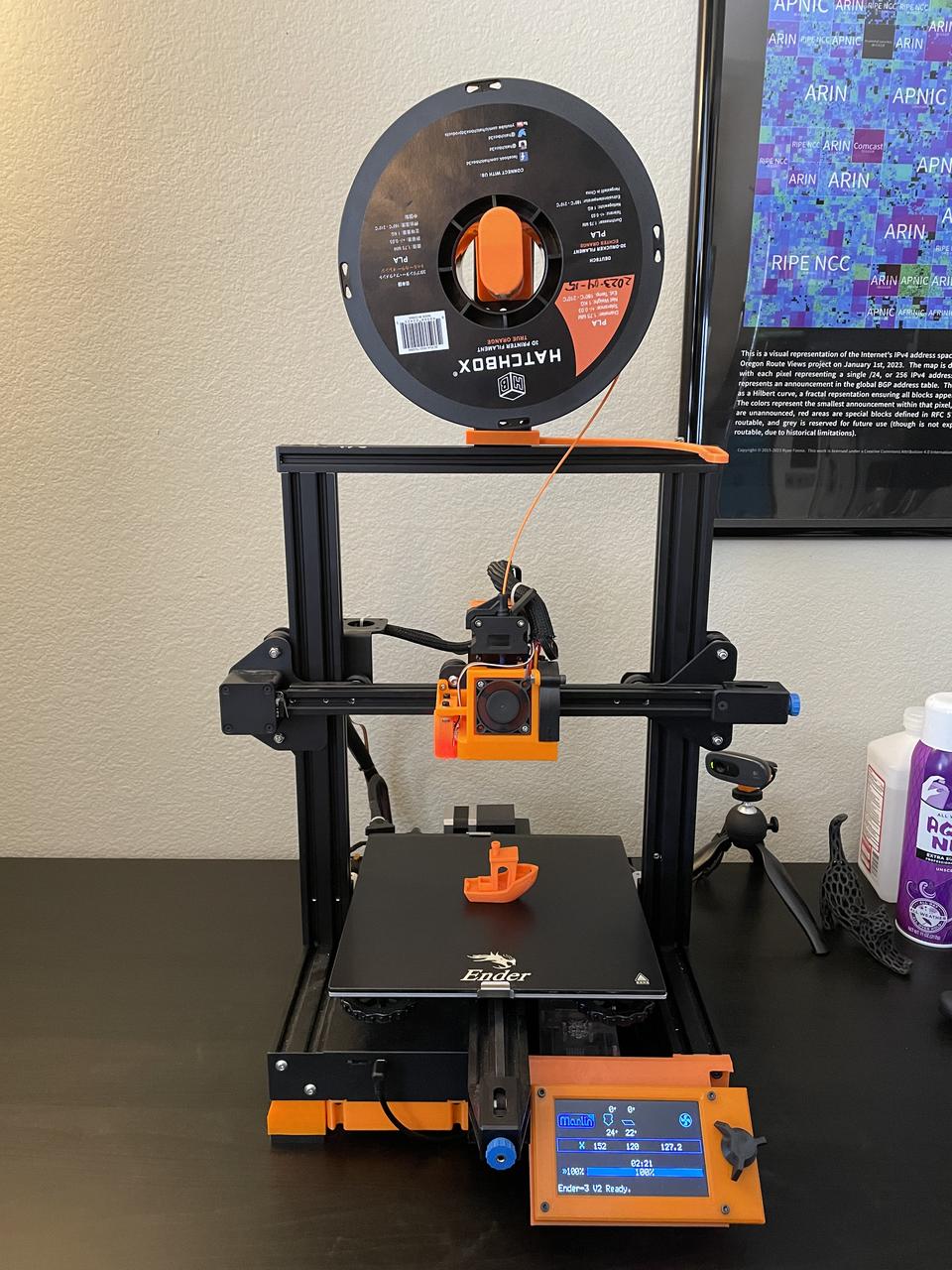
 The entire underside has been pretty extensively reworked, as the stock Ender 3 V2 was pretty starved for airflow. The covers for the